Enquiry
Capture who called and what they need.
 Start free 30-day trial
Customers, bookings, quotes and invoices — connected to the job. Keep the details close, see what needs doing next and pick up where you left off.
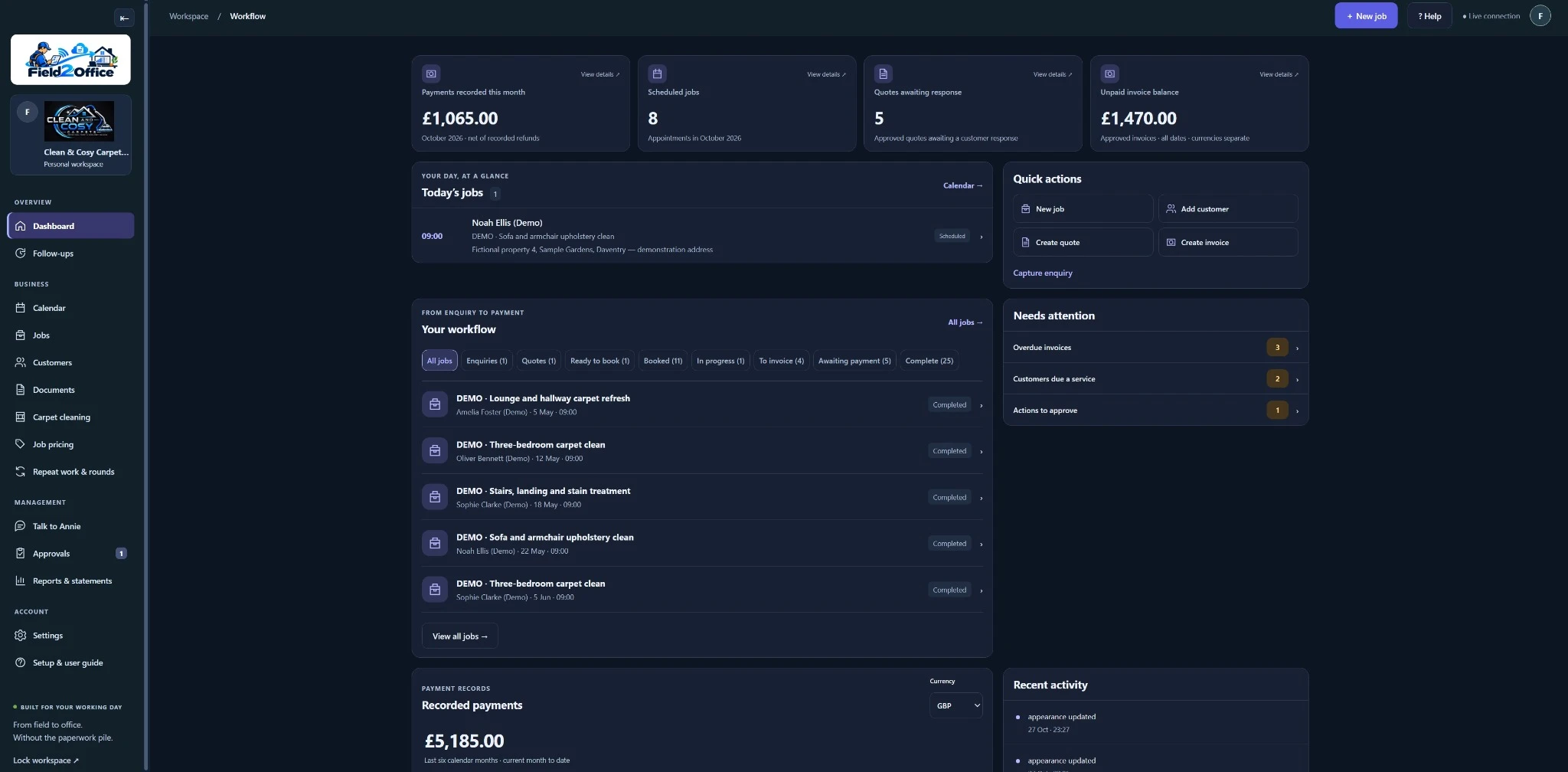
Open the job and follow its next step. Keep the customer, scope, paperwork and payment records connected throughout the work.
Capture who called and what they need.
Prepare the work and review the price.
Book the visit. Keep notes and photos.
Carry over the agreed quote details.
Record money received and view the receipt.
Create an invoice from the accepted quote. Items, quantities, prices, VAT, terms and branding move across, ready for you to check.
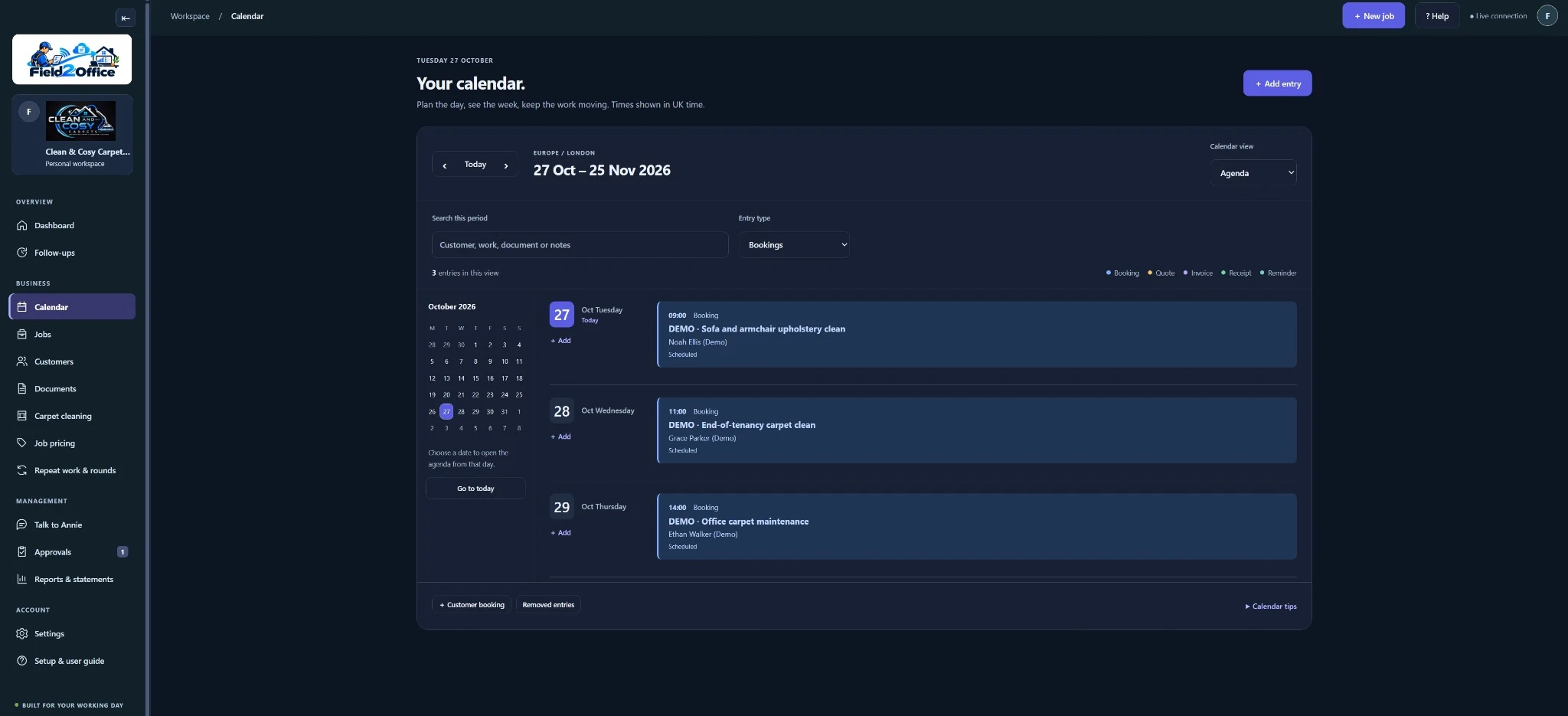
Keep booked work in your business calendar. Open the job to find the customer, appointment details and the work you’re there to do.
Bring up their customer record to see their contact details, jobs and history. Book their next job from the customer card, with the details already to hand.
On site or at your desk, you return to the same business workspace.
Keep the invoice, received payments and outstanding balance together. Follow up with the facts in front of you.
Record money received against the invoice and keep the remaining balance visible.
View the payment receipt with its invoice link, without starting the paperwork from scratch.
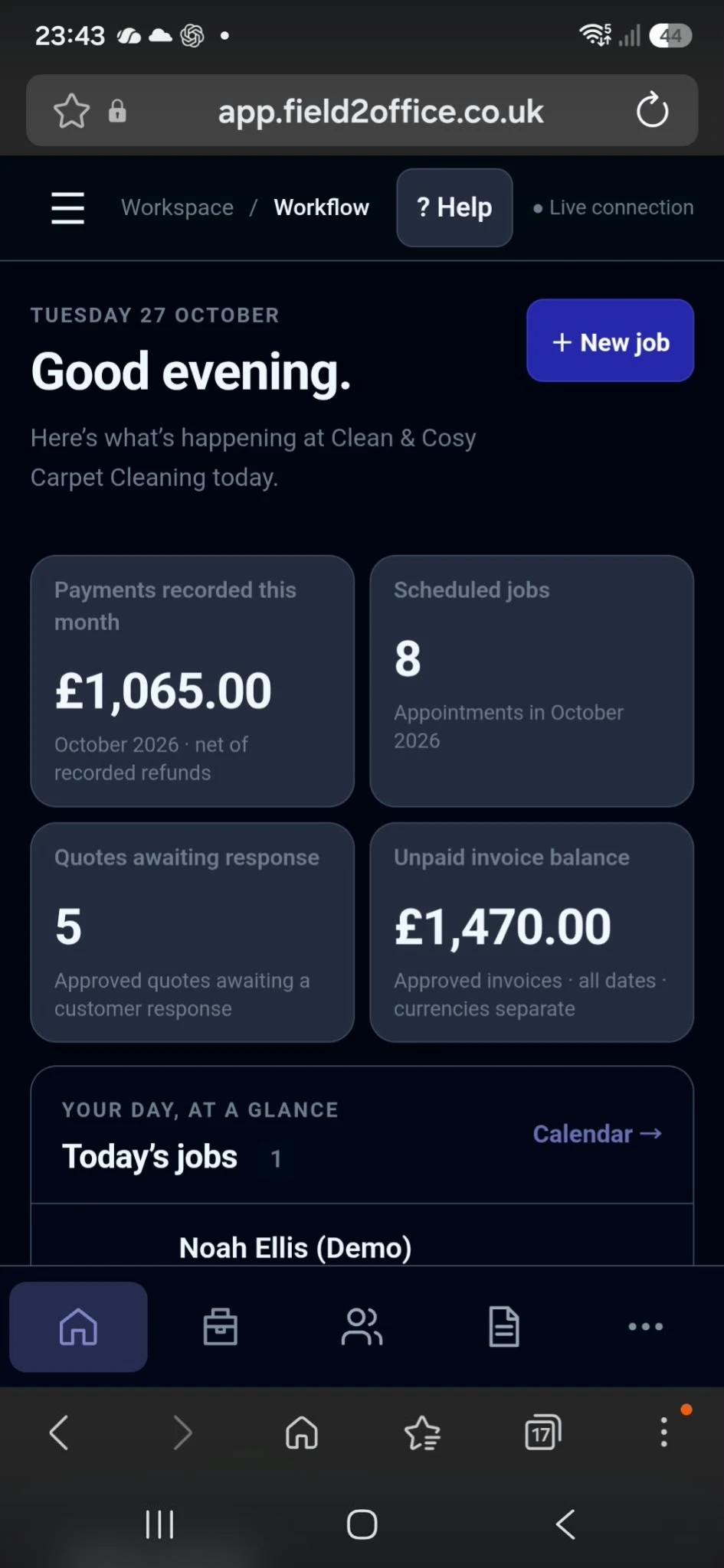
Check recorded payments, unpaid invoice balances and work needing attention from the dashboard.
Payment records are not bank-verified income or profit. Pro card collection requires your own Stripe account and activation; final live-payment checks are in progress. Stripe fees apply.
For a small team or a regular round, Pro brings people, repeat visits and customer follow-up into the same workspace.
Assign jobs and control access as the business owner.
Organise regular visits, set round order and invoice completed visits.
Let customers review and sign quotes online, with completion acknowledgements for finished work.
Prepare seasonal offers and service reminders for customers with recorded email-marketing permission.
Ask Annie to help prepare a quote or organise job details. Review the proposal and approve the action before your records change.
You stay in control. Monthly AI usage allowances apply.
Meet Annie in the user guideYes. Open the same business workspace on either device with an internet connection. Keep job details together as you move between site and desk.
Create the invoice from the accepted quote to carry forward the agreed customer details, items, quantities, prices, VAT, terms and branding. Review it before issuing.
Pro includes the owner plus up to five technician logins. The owner assigns jobs and controls access.
No. Payment records show amounts recorded against invoices, including partial payments and outstanding balances. They are not bank reconciliation.
Start your own Field2Office workspace and follow a real job through it.
Start free 30-day trial No card needed · No automatic charge when your trial ends